A creative-generation
and video toolkit
for AI agents.
Cleya works with any LLM to make beautiful creative, from statics to 2D animation. It checks its own work before handing it over, so what you get back is on brand, readable, and ready to ship.
$ git clone https://github.com/severment/cleya.git$ cd cleya && npm install && npm run build && npm link$ cleya doctorAsk for it once.
Get it back finished.
Pick a starter, hand over your brand colours and your words. Cleya makes it, then reads its own output back and tells you whether the text is legible and the colours are really yours. You get the file and the proof it is right, so checking it is not your job.
Every starter has to render clean before it ships, or the build fails. So the thing you start from is already known to work, whatever you pour into it.
$ cleya draft --starter promo-hero --brand brand.json \
      --copy '{"headline":"Ship it {accent:Friday}"}'

{
  "success": true,
  "output": "draft.mp4",
  "starter": "promo-hero",
  "applied": ["headline", "tagline", "stat"],
  "frames": 300,
  "qa": {
    "contrast": "pass — 4 text regions checked, 0 findings",
    "brand_score": 100, "brand_ok": true
  }
}

# the file is measured before you ever open itAds, motion, social.
All from one brief.
Write the idea once and get the whole set back. Pass --format og,square,story and every size renders from the same source, auto-scaled, with room to tweak the one that needs its own answer. No resizing by hand at midnight.
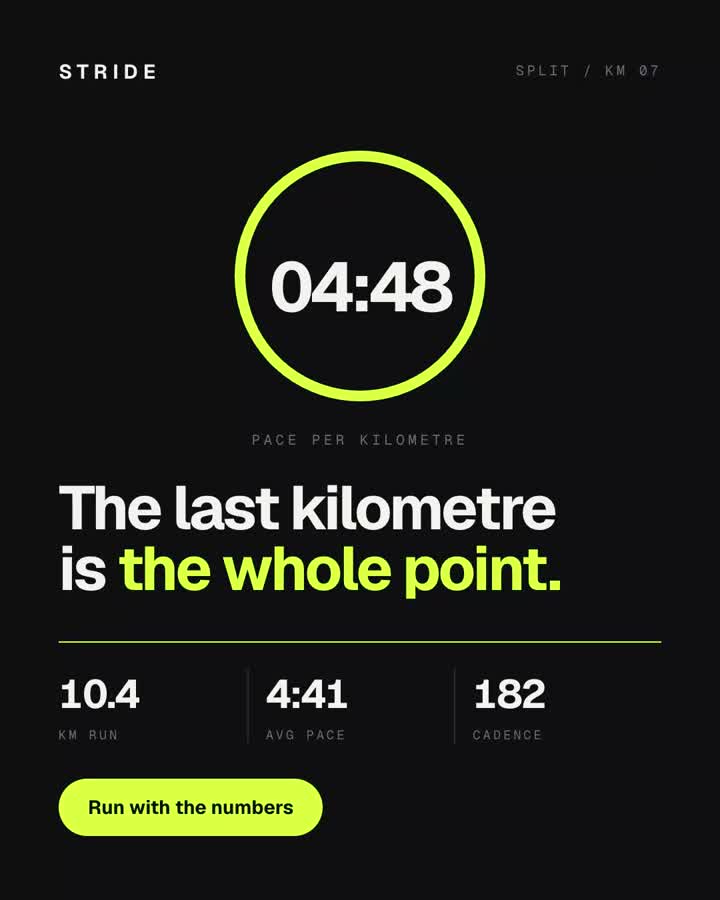
Pace ring, split counter, three metrics
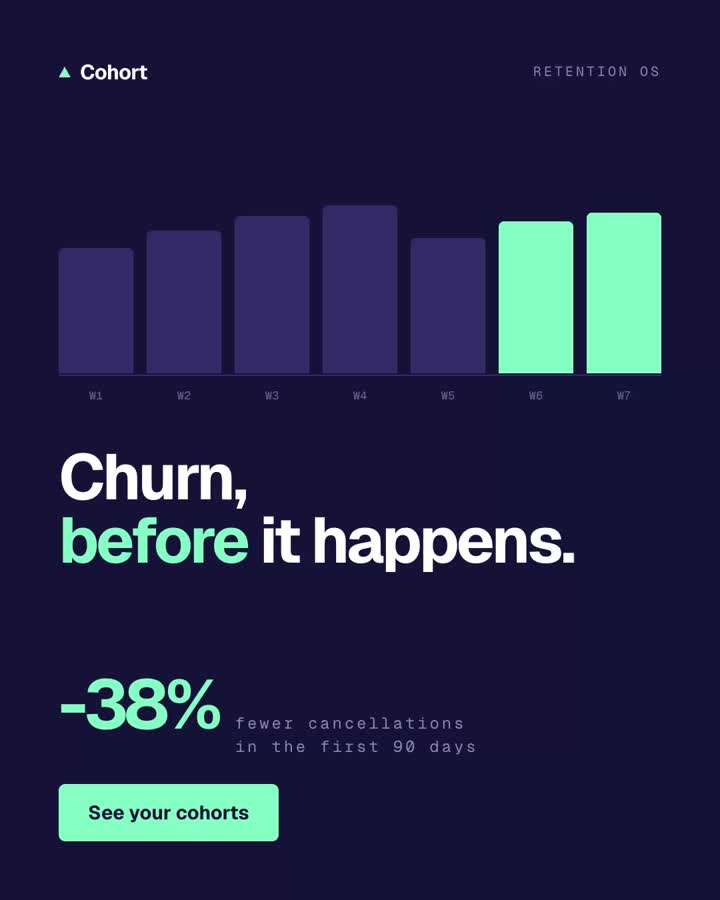
A retention chart that finds its own problem
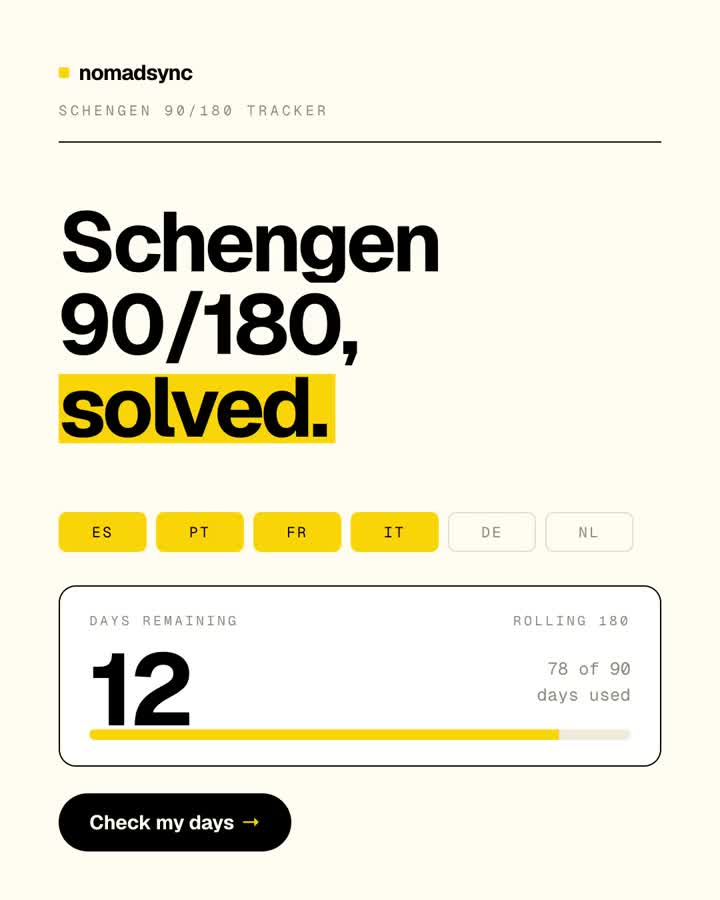
A real brand, rendered from its own tokens
How it gets it right,
every single time.
Four moves, and none of them guess. Run it again tomorrow and you get the same frames, to the pixel. Your model writes the spec, it never draws the frames, which is why nothing quietly drifts between takes.
Render the same scene twice and the frames come back byte for byte identical. That is what lets Cleya spot a change you did not intend, instead of guessing.
You describe it
one specA scene is plain JSON: your layers, how they arrive, how the camera moves. Start from a starter that already works, or write your own. It is checked in fifty milliseconds, before a single frame gets drawn.
It renders the same way, every time
same every timeChrome draws it one frame at a time and FFmpeg encodes the result. There is no randomness anywhere, so the frame you previewed is the frame in the master, and next month it will still be.
It checks its own work
reads pixelsIt reads the finished frames, not what you meant. Is that headline actually legible? Are those edges lined up or nearly lined up? Are the colours yours, or close enough to be wrong? Numbers, not vibes.
It fixes what it found
edits as codeCentre it, retime it, recolour it, change how it moves. Every edit is checked before it is written, then measured again after, so a fix cannot quietly break something else on its way in.
Generate anything · then prove it
Folio IV · The proof
It tells you when
it got something wrong.
Most tools hand you a file and wish you luck. Cleya reads the finished pixels back and says what it found: text too faint to read, edges that almost line up but do not, colours that drifted off brand, a frame that came out black. You hear about it before your audience does. Better still, those readings have teeth: work that fails them cannot be saved into your library, so yesterday's mistake never becomes tomorrow's template. The instruments that read text off a frame use Apple's Vision framework, so those few need a Mac. Everything else, making the work included, runs anywhere Node does.
0/100
How close the colours landed to your brand, measured by ΔE (Delta E), not eyeballed
0:1
The contrast every line of text actually hit, read back off the rendered frame
0
Frames in twenty-three seconds, so checking your work is never the slow part
Watch it before
you pay for it.
Renders cost time. Changing your mind should not. cleya scrub opens the film in your browser and plays it live. Scrub the timeline, step a frame at a time, loop the bit you are unsure about. Catch the dead hold, the late CTA, the easing that lands wrong, before you spend a second rendering. You can even recolour the whole thing while you watch and download the palette you settled on.
This is not an approximation of the render. It is the render, playing early.
Your day,
finally on time.
Nothing to render
No Chrome, no server, no build step. It just plays, right there in the page
Recolour live
Try a different accent and watch it change instantly, then keep the palette you liked
No surprises
It plays through the same engine that renders, so what you watch is what you get
Instruments judge correctness · you judge the work
For the one that
has to be perfect.
The launch film. The anthem. The thirty seconds that have to feel inevitable. Drop to render --html --runtime gsap and every GSAP plugin is already there waiting: SplitText, MorphSVG, DrawSVG, MotionPath. Write the timeline you want. The same seekTo bridge drives it, so your hand-built showpiece is just as repeatable, and just as checkable, as anything the toolkit made on its own.
The DSL for the floor · never a cap on the ceiling
Folio VII · The engine
Same input, same frames.
Every time.
Nothing here is left to chance. Every scene compiles to a page that answers seekTo(t), and Chrome asks it for one frame at a time. So the preview you approved is the master, to the pixel, with nothing left to chance in between. All 67 tools work the same way from your terminal, over MCP, or as a typed library.
67
tools, one engine
3
surfaces: CLI · MCP · library
812
tests, green
Folio VIII · Install
Clone it and go.
Three commands and it is yours: clone, build, link. Your agent picks it up straight away, in the terminal or over MCP, and cleya doctor tells you if anything is missing before you start.
# three commands and the toolkit is on your path$ git clone https://github.com/severment/cleya.git$ cd cleya && npm install && npm run build && npm link$ cleya doctorRuntime
Node ≥ 18 · FFmpeg on PATH
Renderer
Chrome, Edge, or Chromium
Platform
Runs on macOS, Linux and Windows